
Confidential requests
People ask for a peer without needing an account, and can leave their name off. A lead assigns each request to a team or a peer, and every step is logged.
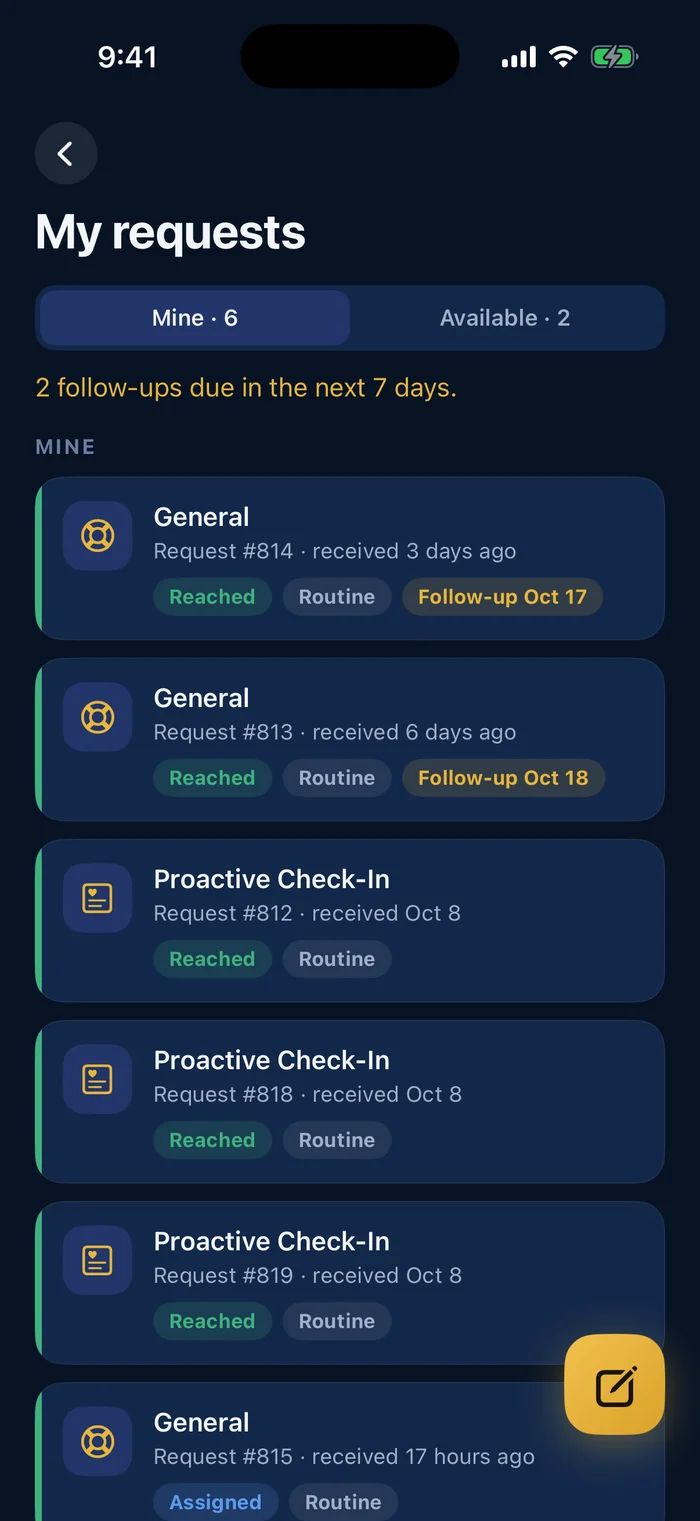
Support your peer team, from a confidential request to the report.
Someone asks for a peer, anonymously if they want. A lead assigns the request, the peer follows up with reminders, and the organization gets reports with totals, never names.
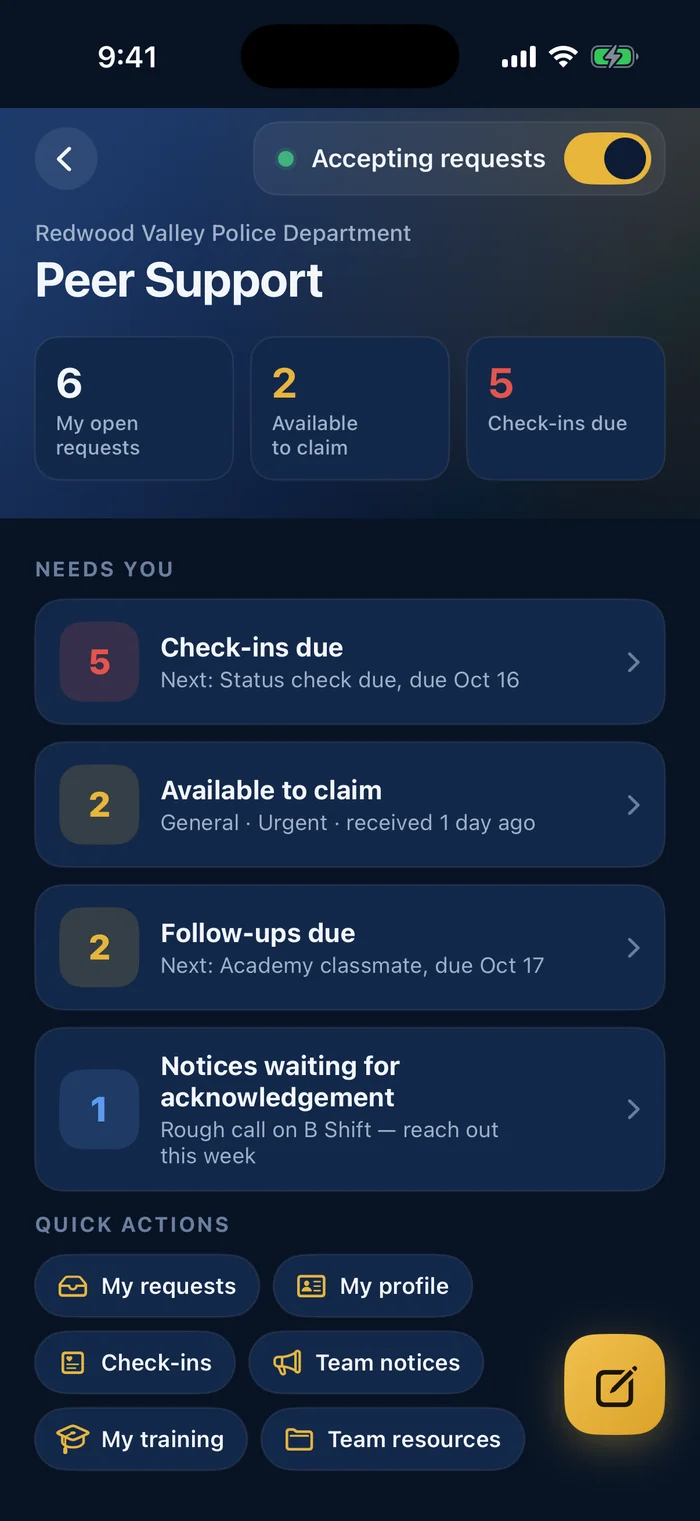
People ask for a peer without needing an account, and can leave their name off. A lead assigns each request to a team or a peer, and every step is logged.
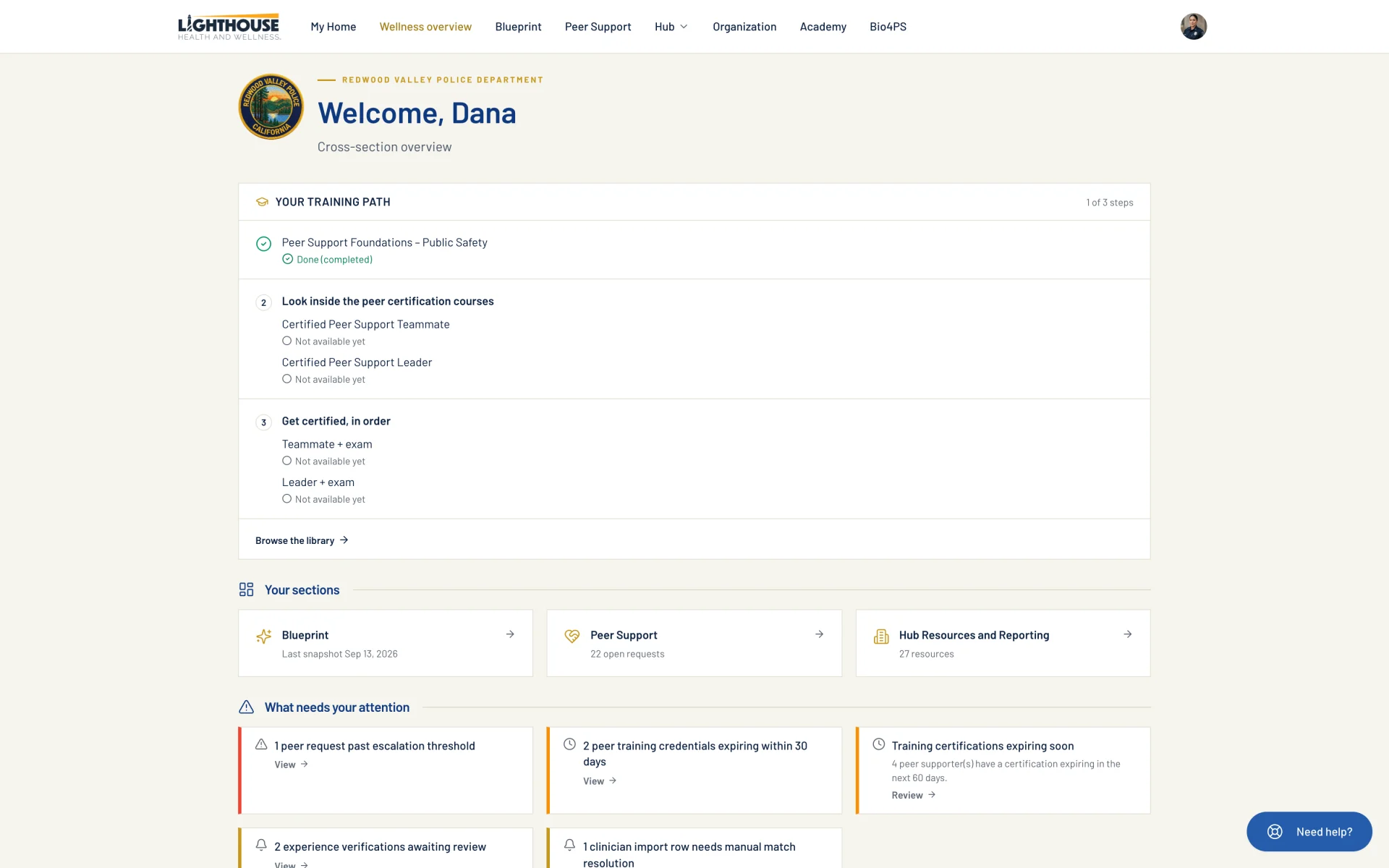
Private case notes, follow-ups with reminders a week, a day and the morning before, and one form for logging an engagement with your own fields.
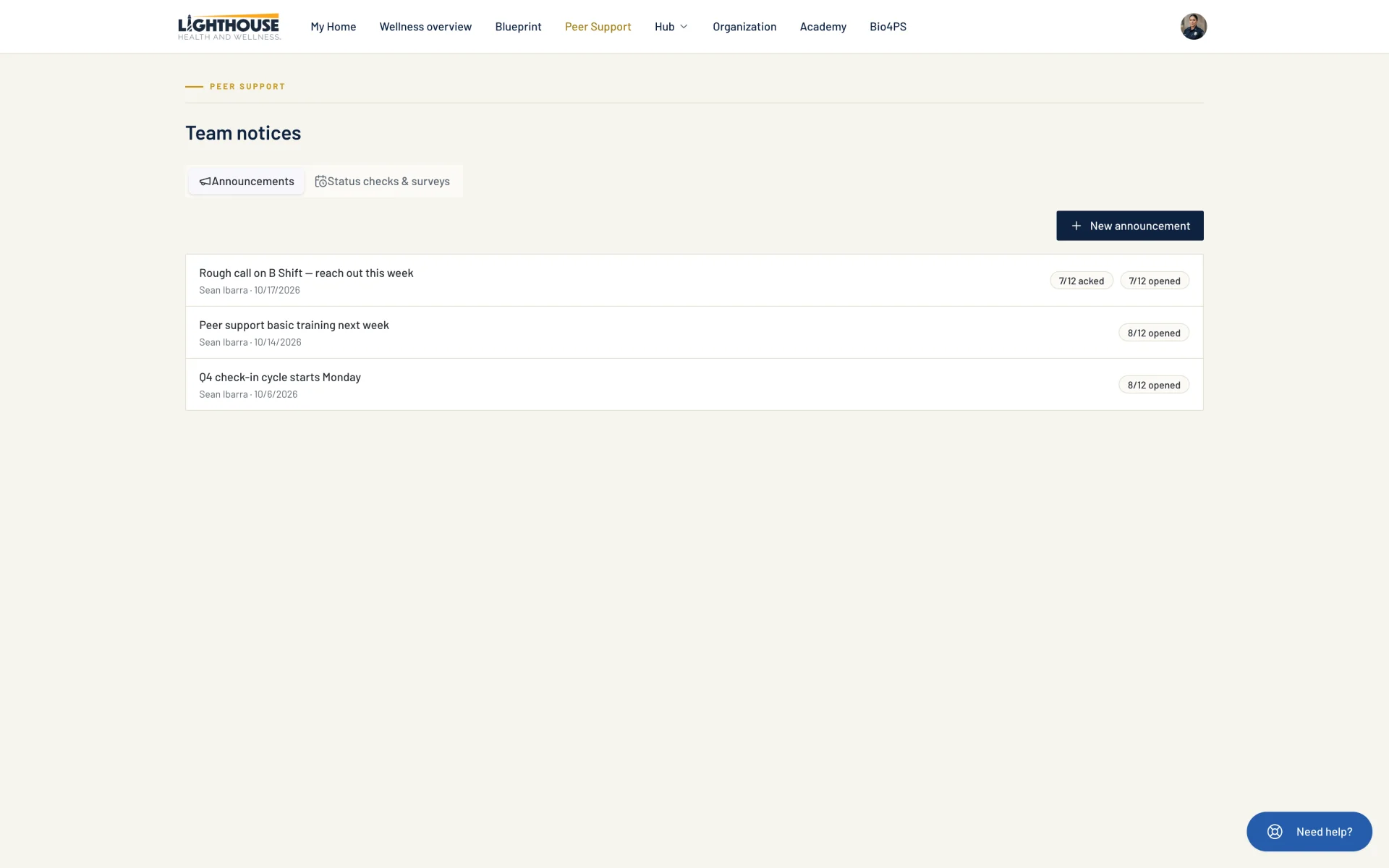
Announcements, status checks and short surveys, sent now or on a schedule.
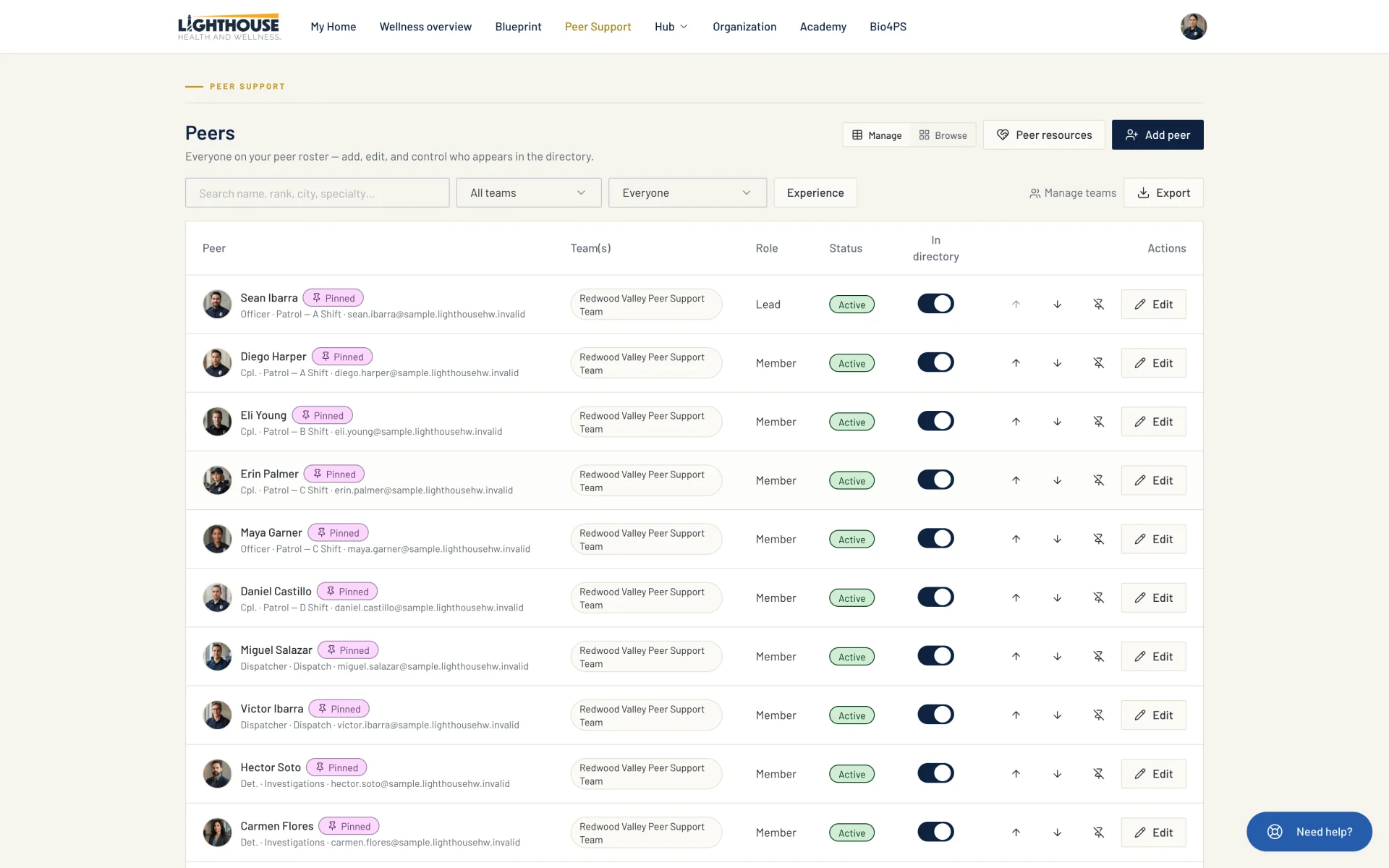
One roster with team filters and photos. Everyone else sees a peer directory with a Contact button for each peer.
Requests, cases, check-ins and engagements by type and topic for any date range. People without a lead seat see totals only.
Peer support uses the same roster as Critical incident management, and peers show up in your organization’s app.
PeerPath training (Foundations, Certified Peer Support Teammate and Certified Peer Support Leader) is on Lighthouse for Public Safety.
Go to Lighthouse for Public Safety →